Talk over your screen.
Publish an article you can watch.
A recording shows everything, but you cannot skim it. A written doc skims well and loses the demo. Screenplay gives you one link that does both: real prose, in scenes, with every paragraph wired to its second of footage.
or read a finished one: “<UNKNOWN>”, under a minute on screen →That’s the whole trick. On a real screenplay the panel on the left is the video, and it seeks to the second.
Just talk.
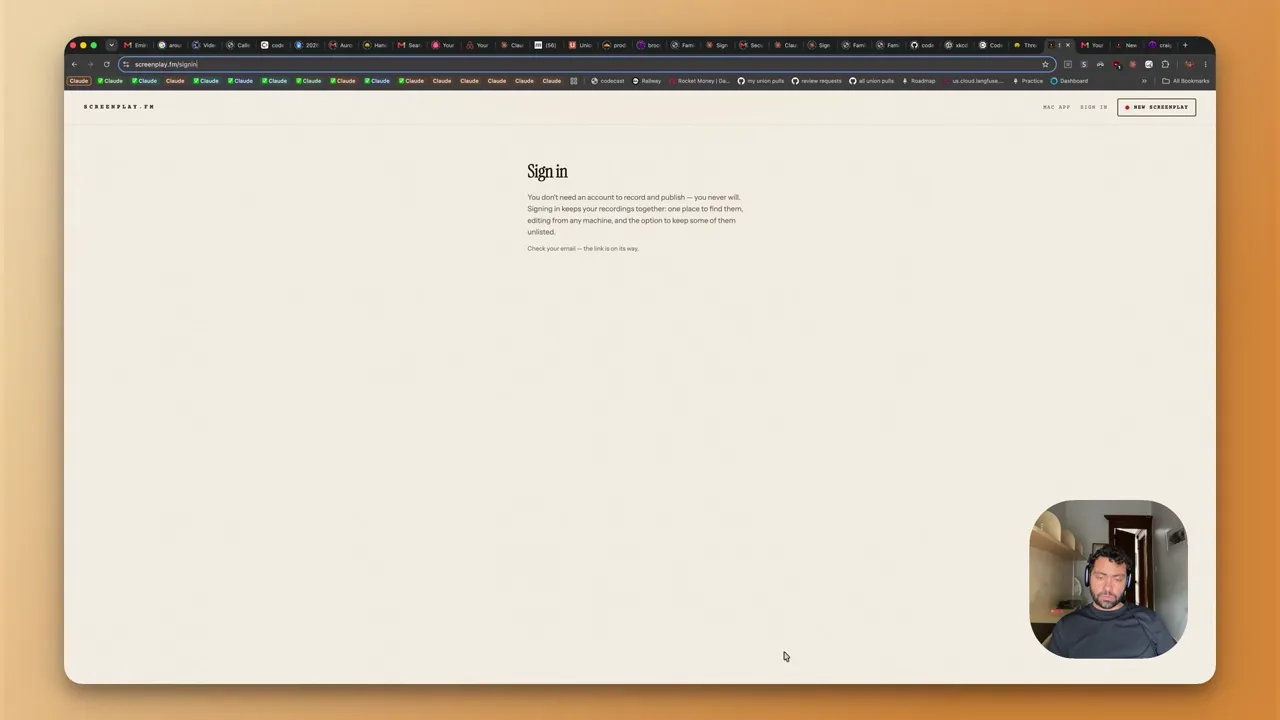
Hit record, share your screen, and explain what you're doing the way you would to a colleague. No script, no editing timeline.
It gets written up.
Your narration becomes a real article in your own voice — fumbles cut, scenes found at the topic boundaries you spoke, every paragraph pinned to its second.
One link, two ways to read.
Readers skim the prose or press play. Click any paragraph to jump the video to that exact moment. Every word is on the page, so it's searchable and linkable.
The recorder that gets out of the way.
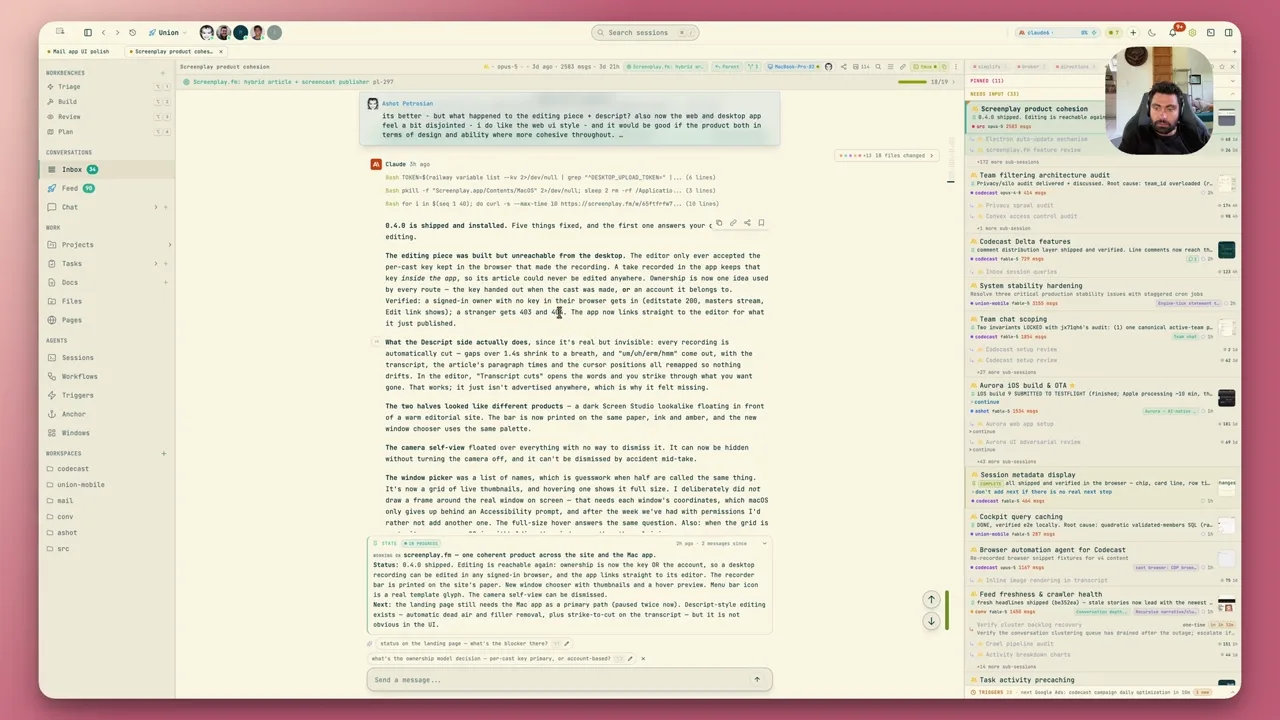
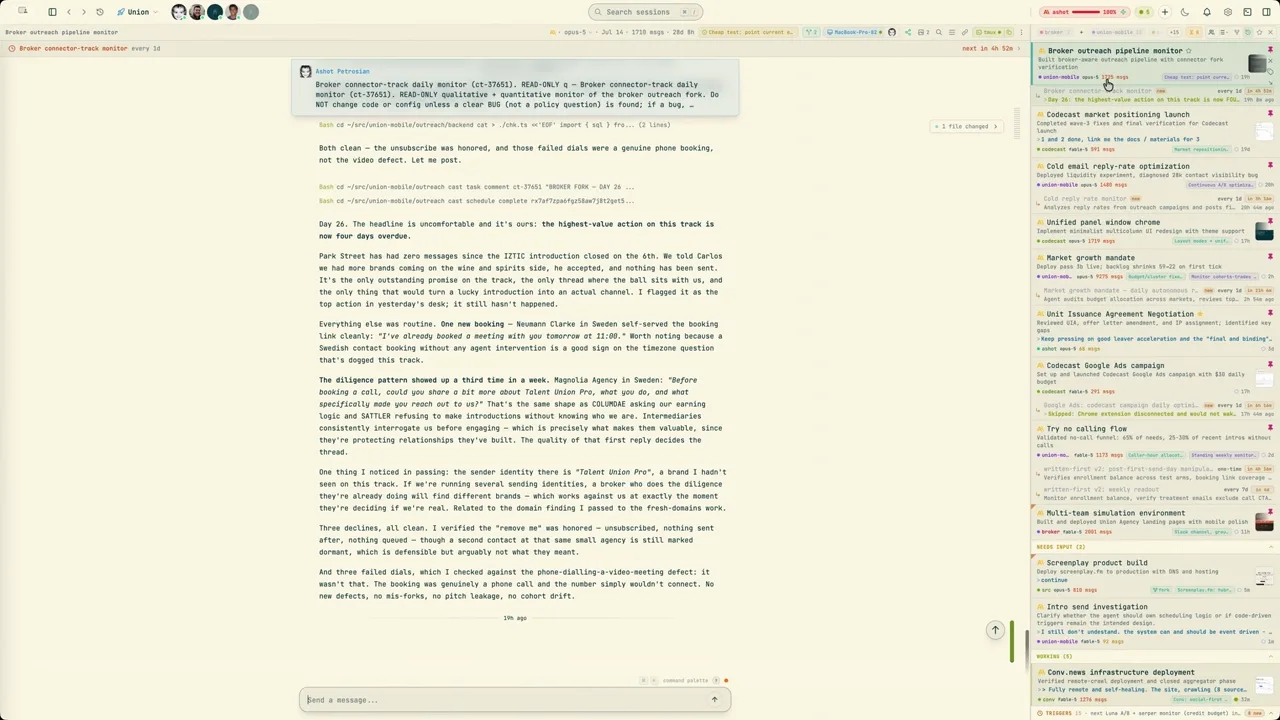
A browser can only share a tab or a window, and it cannot see your cursor. The Mac app records anything on your screen, follows what you point at, and folds down into a bar that floats above your work while you talk.
- It follows your cursor. Where you click and linger becomes a slow zoom, so small text is readable.
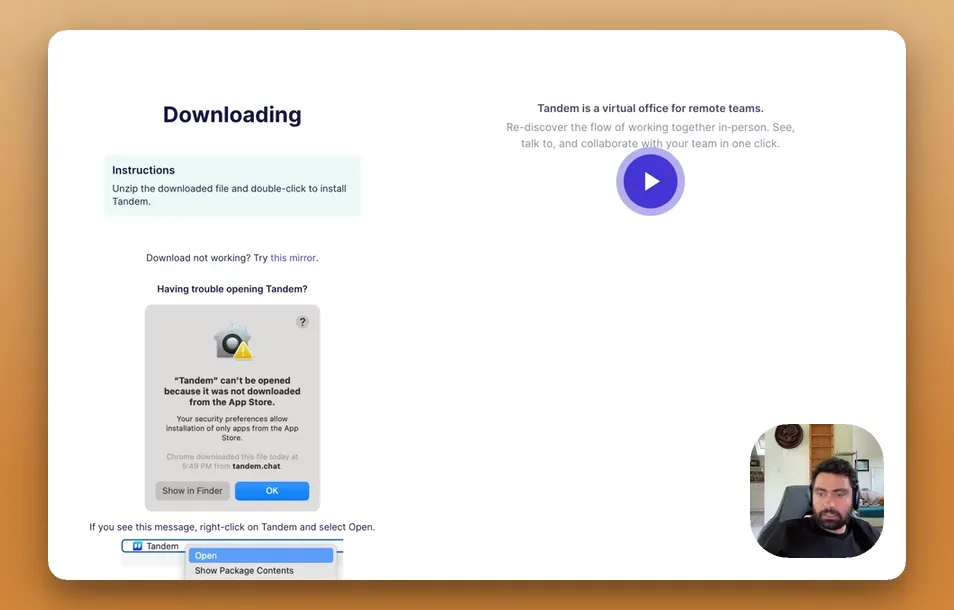
- System audio, and your camera. The app itself can be heard, and your face sits in the corner.
- One window, two shapes. Full size to set up and review, a bar while you record.